A website can have great content and an attractive design, but without proper optimization, it may struggle to appear prominently in search engine results. This is where On-Page SEO becomes important.
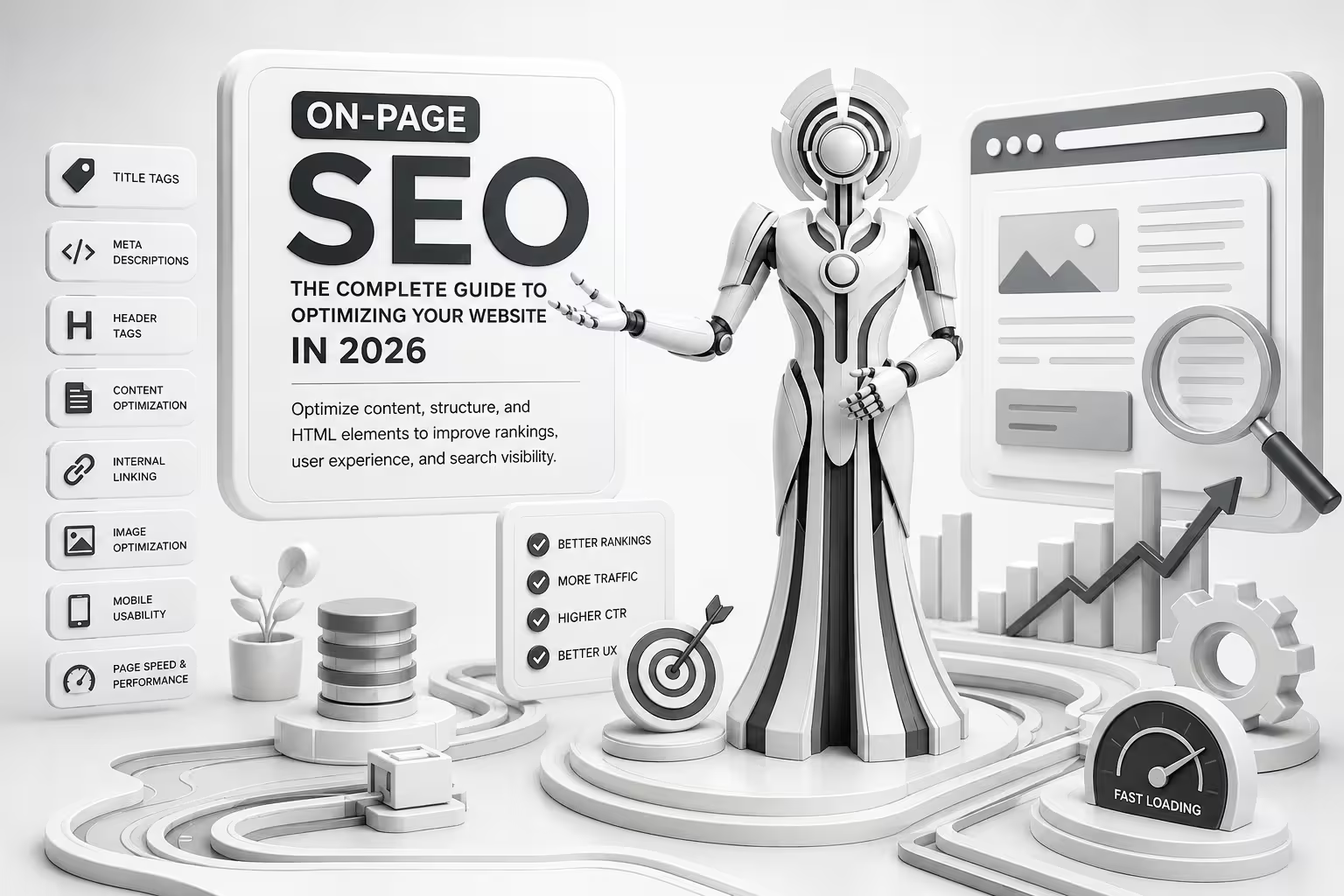
On-Page SEO involves optimizing the content, structure, HTML elements, and overall user experience of individual web pages to help search engines understand the topic and relevance of each page.
From title tags and meta descriptions to header tags, content optimization, internal linking, and image optimization, every element can contribute to a stronger search presence.
In this complete guide, we will explain what On-Page SEO is, why it matters, and the most important optimization techniques businesses should use in 2026.
What Is On-Page SEO?
On-Page SEO is the practice of optimizing individual webpages so that search engines can better understand their content and users can find the information they need more easily.
Unlike off-page SEO, which focuses on activities outside your website such as backlinks and online mentions, On-Page SEO focuses primarily on elements that you can control directly on your website.
Some important On-Page SEO elements include:
- Page titles and title tags
- Meta descriptions
- Header tags
- Keyword usage
- High-quality content
- URL structure
- Internal linking
- Image optimization
- User experience
- Mobile usability
- Page speed and performance
A strong On-Page SEO strategy brings these elements together instead of focusing on just one ranking factor.
Why Is On-Page SEO Important?
Search engines need to understand what a webpage is about before deciding when and where it should appear in search results.
Proper On-Page SEO helps search engines understand your page while also making the content easier for visitors to read and navigate.
Better Search Visibility
Optimized pages have a better chance of being understood and matched with relevant search queries.
Improved User Experience
Clear headings, readable content, useful links, optimized images, and logical page structure make it easier for visitors to find information.
Higher Click-Through Rates
A compelling title tag and useful meta description can encourage users to click your page when it appears in search results.
Better Content Relevance
Using relevant keywords and covering a topic comprehensively helps establish a clear relationship between your content and the search intent behind a query.
Stronger Website Structure
Internal links and properly organized content help users and search engines discover related pages across your website.
On-Page SEO vs. Off-Page SEO
Although both are important parts of SEO, they focus on different areas.
On-Page SEO focuses on optimizing your own website, including content, headings, titles, URLs, images, internal links, and page structure.
Off-Page SEO focuses on external signals such as backlinks, brand mentions, digital PR, and other activities that can strengthen your website’s authority.
A successful SEO strategy normally combines both approaches with technical SEO.
10 Essential On-Page SEO Techniques for 2026
1. Optimize Your Title Tags
The title tag is one of the most important elements of a webpage. It helps search engines understand the page topic and often appears as the clickable headline in search results.
A good title should:
- Clearly describe the page
- Include the primary keyword naturally
- Match search intent
- Be specific and useful
- Encourage users to click
For example, instead of:
you could use:
SEO Services for Small Businesses: Complete 2026 Guide
The second title provides more context about the page and its intended audience.
Avoid stuffing keywords into your title. Write for people first while making the topic clear to search engines.
2. Write Useful Meta Descriptions
A meta description provides a short summary of a webpage. Although it is not a direct ranking factor, it can influence whether someone decides to click your result.
A strong meta description should:
- Clearly explain what the page offers
- Include the primary keyword naturally when appropriate
- Match the page content
- Give users a reason to click
- Avoid unnecessary keyword repetition
For example:
Learn how On-Page SEO improves website visibility. Discover practical SEO optimization techniques for title tags, meta descriptions, headings, content, and internal links.
Your meta description should accurately represent the page rather than making promises the content does not fulfill.
3. Use Proper Header Tags
Header tags help organize your content into logical sections.
Your main page heading should generally be an H1, while major sections can use H2 headings and supporting sections can use H3 headings.
For example:
H1: On-Page SEO: The Complete Guide
H2: What Is On-Page SEO?
H2: Why Is On-Page SEO Important?
H2: On-Page SEO Techniques
H3: Optimize Title Tags
H3: Improve Meta Descriptions
H3: Optimize Images
A clear heading hierarchy improves readability and helps search engines understand the structure of your content.
4. Create High-Quality, Search-Intent-Focused Content
One of the most important parts of On-Page SEO is the content itself.
Your content should answer the questions your target audience is actually searching for.
Before writing a page, consider:
- What is the user searching for?
- What information do they need?
- What problem are they trying to solve?
- What action might they want to take?
- Does the page provide a complete and useful answer?
Avoid creating content simply to include keywords. Instead, focus on providing original, helpful, accurate, and easy-to-understand information.
5. Use Keywords Naturally
Keywords help communicate the subject of a page, but they should never be forced into every sentence.
Use your primary keyword in important areas where it makes sense, such as:
- Page title
- H1 heading
- Introduction
- Relevant H2 headings
- Body content
- URL when appropriate
- Image alt text when descriptive and relevant
- Meta description when appropriate
Also use related terms and variations naturally.
For example, a page targeting On-Page SEO might naturally discuss:
- SEO optimization
- On-Page SEO services
- title tags
- meta descriptions
- header tags
- internal linking
- keyword optimization
- content optimization
The goal is to build topical relevance, not keyword density.
6. Optimize Your URLs
A clean URL helps users understand what a page is about.
For example:
example.com/on-page-seo/
is generally clearer than:
example.com/page?id=4587
Keep URLs:
- Short and descriptive
- Relevant to the page
- Easy to read
- Consistent with your website structure
Avoid unnecessarily adding dates, numbers, or multiple keywords to URLs.
7. Improve Internal Linking
Internal links connect one page on your website to another page on the same website.
They can help visitors discover related information and help search engines understand the relationships between your pages.
For example, if you have a page about On-Page SEO and another page about Technical SEO, you can link between them where the connection is genuinely useful.
Use descriptive anchor text instead of generic phrases such as “click here.”
For example:
Learn more about Technical SEO
is more descriptive than:
Click here
A well-planned internal linking structure can also help distribute authority throughout your website and make important pages easier to discover.
8. Optimize Images
Images can improve content quality and user experience, but poorly optimized images can slow down a website.
For better image optimization:
- Compress images before uploading
- Use appropriate image formats
- Give images descriptive filenames
- Add useful alt text
- Avoid unnecessarily large image dimensions
- Use responsive images where appropriate
Alt text should describe the image when the image conveys meaningful information. Do not use alt text as a place to insert keywords unnecessarily.
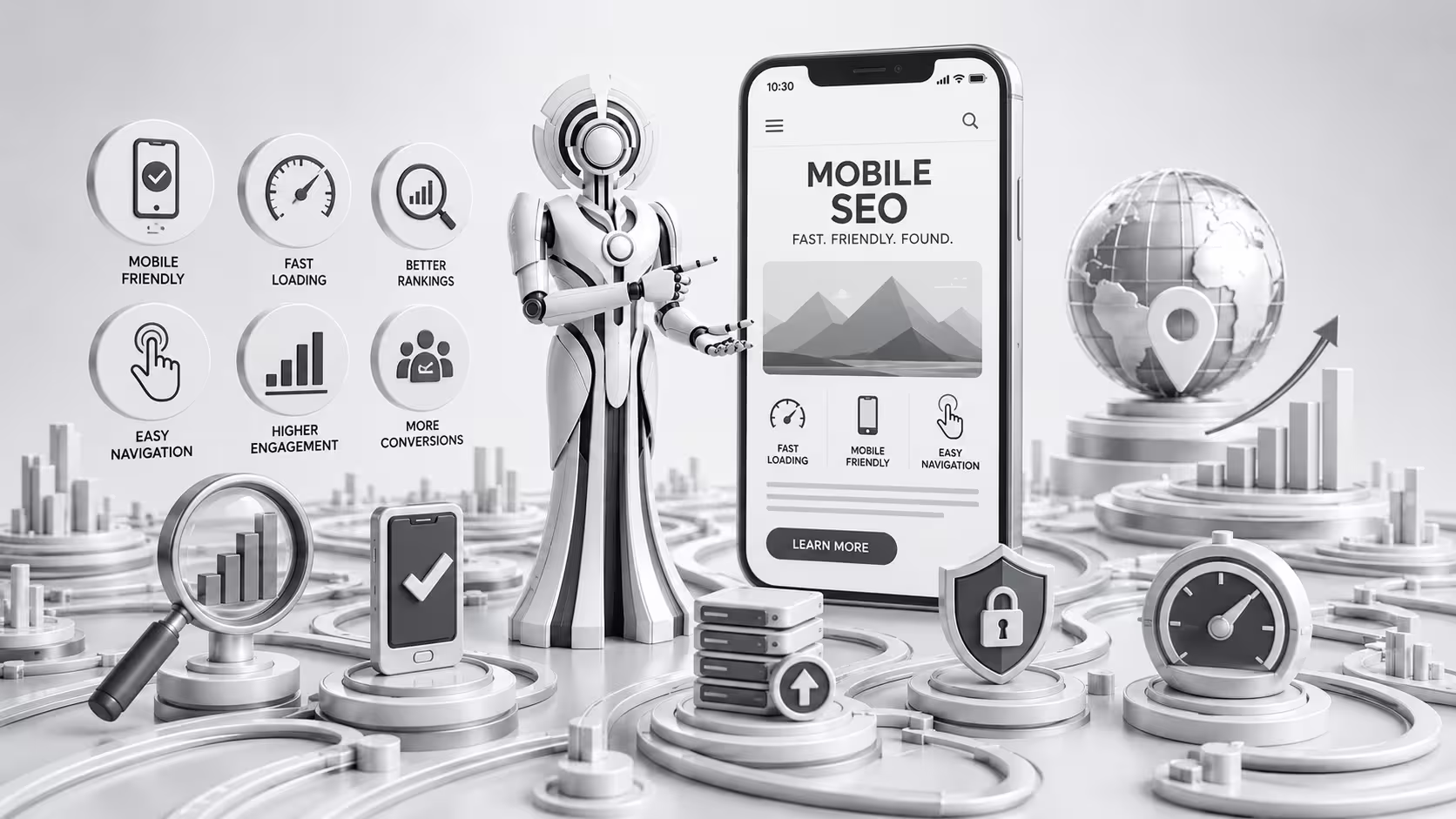
9. Make Your Pages Mobile-Friendly
A large portion of web traffic comes from mobile devices, so your website should provide a smooth experience across different screen sizes.
Check that:
- Text is easy to read
- Buttons are easy to tap
- Navigation works properly
- Images fit the screen
- Content does not overflow horizontally
- Important information is easy to find
Mobile usability should be considered when designing and optimizing every page.
10. Improve Page Experience and Performance
Users expect websites to load quickly and respond smoothly.
Page performance is therefore an important part of creating a good overall experience.
Pay attention to:
- Loading performance
- Responsiveness
- Layout stability
- Image sizes
- Unnecessary scripts
- Caching
- Hosting performance
- Mobile performance
Core Web Vitals can also help you evaluate important aspects of real-world page experience.
However, improving performance should not come at the expense of useful content. The goal is to create pages that are both valuable and technically efficient.
How to Create an Effective On-Page SEO Strategy
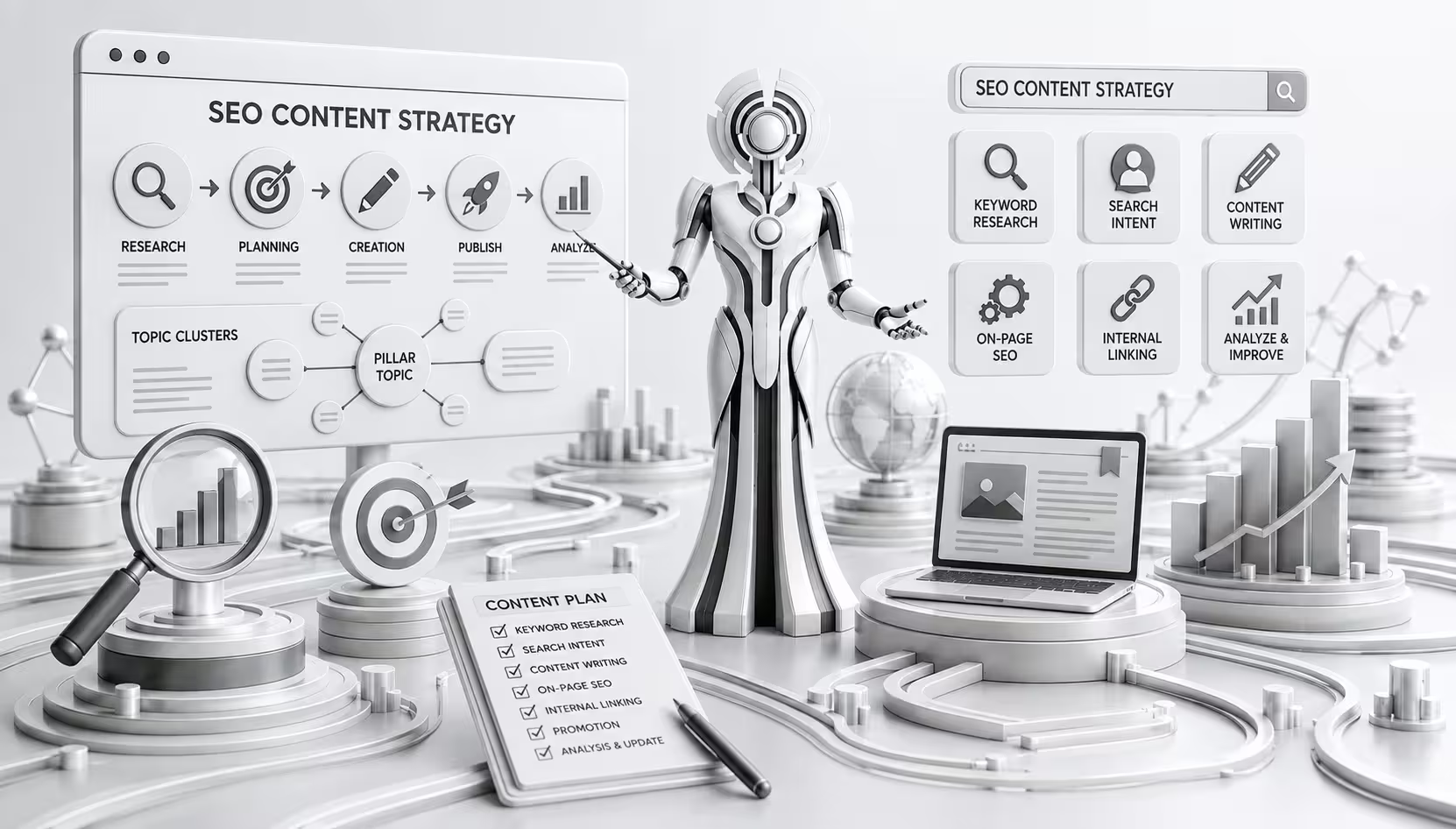
On-Page SEO works best when it is treated as a process rather than a one-time task.
Step 1: Identify the Target Keyword
Start by identifying the main search term or topic you want the page to target.
Consider related searches and questions to understand the broader topic.
Step 2: Understand Search Intent
Determine what users expect when they search for the target keyword.
Search intent can generally include:
- Informational
- Navigational
- Commercial
- Transactional
Your content should satisfy the intent behind the search.
Step 3: Create a Clear Content Structure
Organize your page with a logical H1, H2, and H3 structure.
Break large sections into smaller, easy-to-read sections.
Step 4: Optimize Important Page Elements
Review the:
- Title tag
- Meta description
- URL
- Headings
- Main content
- Images
- Internal links
Make sure these elements support the same overall topic.
Step 5: Review the User Experience
Read the page as if you were a visitor.
Ask yourself:
Can I quickly understand what this page is about?
Can I find the answer I need?
Is the content easy to read?
Does the page work well on mobile?
Step 6: Monitor and Improve
SEO is not a set-it-and-forget-it process.
Monitor your organic traffic, rankings, impressions, clicks, and engagement. If a page is not performing as expected, review its content, search intent, internal links, and technical performance.
Common On-Page SEO Mistakes to Avoid
Even well-designed websites can make basic optimization mistakes.
Keyword Stuffing
Repeating the same keyword excessively can make content difficult to read and does not create a better experience for users.
Duplicate Content
Having substantially similar content across multiple pages can make it harder for search engines to determine which page should be shown.
Weak or Missing Title Tags
Every important page should have a clear and relevant title.
Poor Heading Structure
Using headings randomly can make content difficult to understand and navigate.
Ignoring Search Intent
A page can target the right keyword but still perform poorly if it does not provide what users expect.
Generic Internal Links
Internal links should provide context and help users discover relevant information.
Neglecting Mobile Users
A page that looks good on desktop but is difficult to use on mobile can create a poor experience.
Publishing Thin Content
Creating pages with little useful information simply to target additional keywords is rarely a strong long-term strategy.
On-Page SEO Services: When Should You Hire an SEO Professional?
Businesses often manage basic SEO themselves, but larger websites or competitive industries may benefit from professional On-Page SEO services.
An SEO professional can help with:
- Keyword and search-intent research
- Content optimization
- Title and meta optimization
- Heading structure
- Internal linking
- Image optimization
- Content audits
- SEO recommendations
- Page performance analysis
- Ongoing SEO improvements
Professional SEO optimization is especially useful when a website has many pages or when organic search plays an important role in generating leads and sales.
On-Page SEO Checklist
Before publishing a webpage, use this quick checklist:
- Primary keyword identified
- Search intent understood
- Unique and descriptive title tag
- Relevant meta description
- One clear primary heading
- Logical H2 and H3 structure
- Useful, original content
- Keywords used naturally
- Clean and descriptive URL
- Relevant internal links
- Images compressed and optimized
- Descriptive alt text where appropriate
- Mobile-friendly layout
- Good page performance
- Clear call to action where relevant
- Content reviewed for accuracy and readability
Final Thoughts
On-Page SEO is one of the foundations of a successful SEO strategy. It helps search engines understand your pages while making your website easier and more useful for visitors.
From optimizing title tags, meta descriptions, and header tags to improving content, URLs, internal links, images, mobile usability, and page performance, every element contributes to a stronger webpage.
In 2026, successful SEO is less about simply placing keywords on a page and more about creating helpful, relevant, well-structured, technically sound content that satisfies search intent.
If your website is struggling to attract organic traffic, a professional On-Page SEO service can help identify optimization opportunities and build a stronger foundation for long-term search visibility.