Introduction
A technically sound website is the foundation of successful SEO. Even the best content can struggle to rank if search engines cannot efficiently crawl, index, and understand your website.
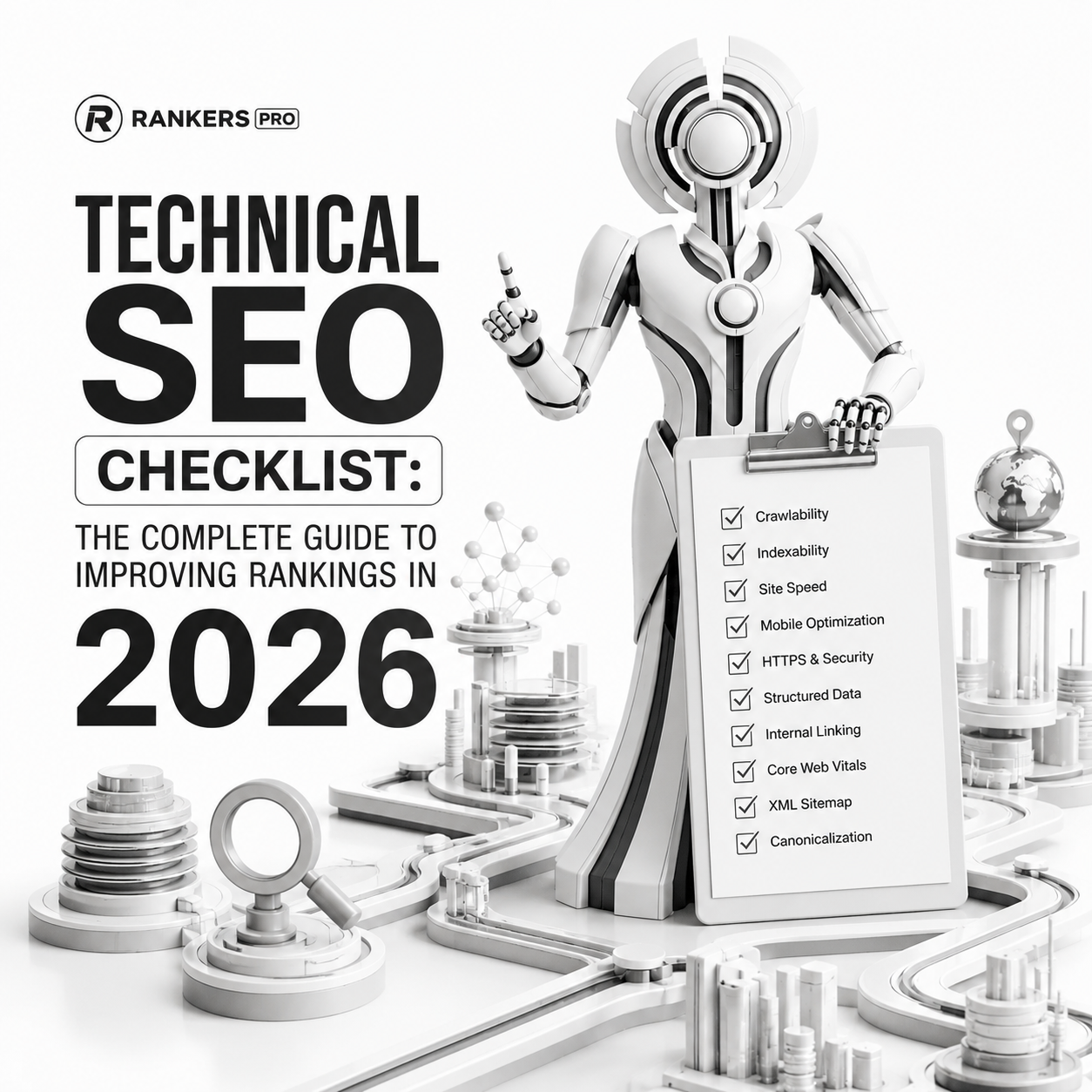
This technical SEO checklist covers the essential tasks every business should review to improve organic visibility, website performance, and search engine accessibility.
Whether you manage a local business website, an ecommerce store, or a large corporate website, these technical SEO best practices will help ensure your site is built for long-term growth.
What Is Technical SEO?
Technical SEO refers to the process of optimizing a website’s infrastructure so search engines can crawl, index, render, and rank pages effectively.
Unlike content SEO or link building, technical SEO focuses on the backend and structural elements of a website, including:
- Site architecture
- Crawlability
- Indexability
- Page speed
- Core Web Vitals
- Schema markup
- Internal linking
- Mobile usability
A strong technical foundation helps search engines understand your content and improves the user experience for visitors.
Technical SEO Checklist
1. Verify Website Indexing
The first step is ensuring important pages are indexed by Google.
Check:
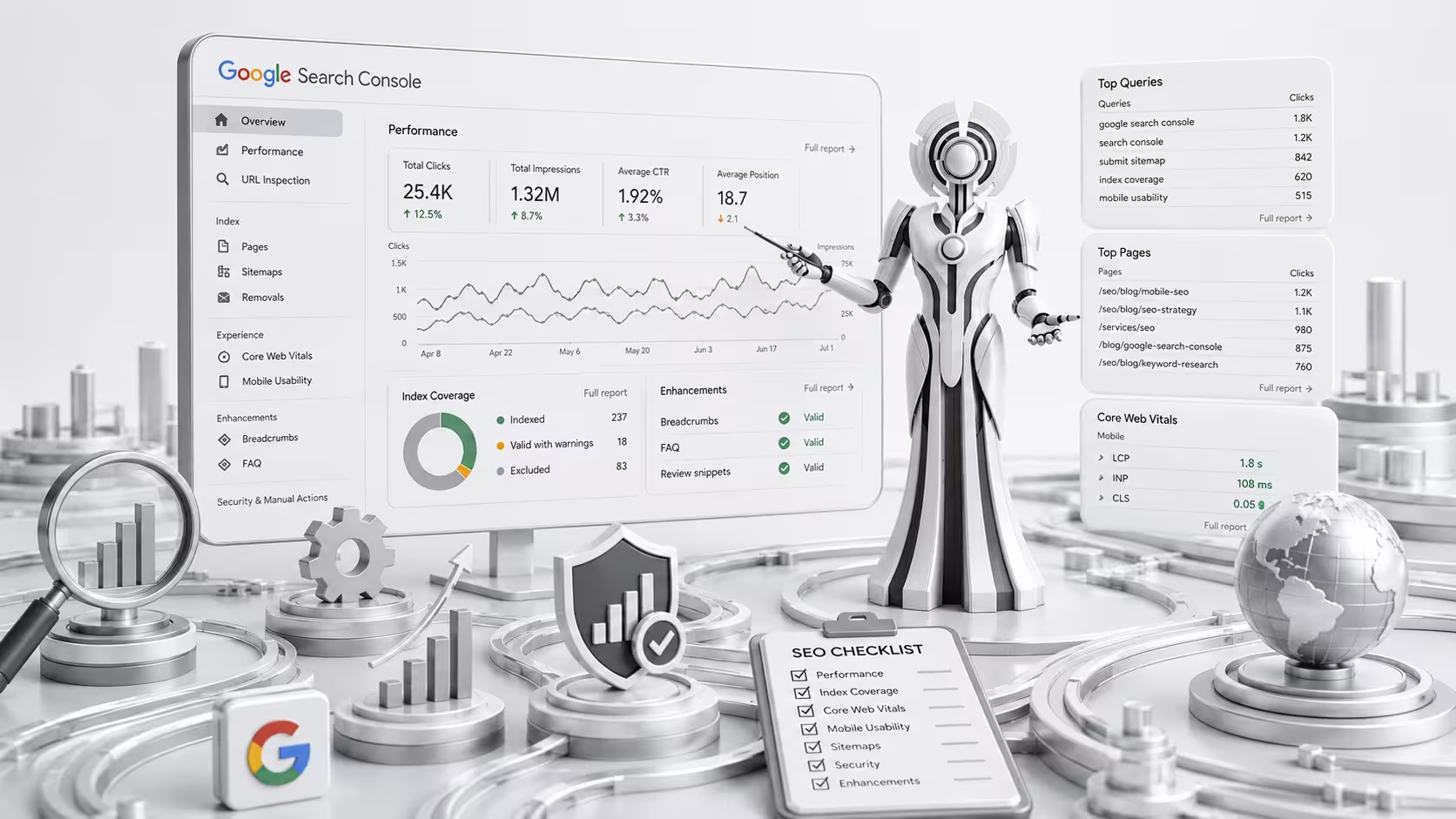
- Indexed page count in Google Search Console
- Coverage reports
- Excluded pages
- Noindex tags
- Canonical issues
Search:
site:yourdomain.com
Compare the results against the pages you want visible in search.
Common Problems
- Pages not indexed
- Duplicate URLs
- Incorrect canonicals
- Orphan pages
2. Optimize Website Crawlability
Search engines need clear pathways to discover your content.
Review:
- Robots.txt
- XML sitemap
- Internal links
- Crawl depth
- Redirect chains
Best practice:
Important pages should be reachable within three clicks from the homepage.
3. Audit XML Sitemap
A sitemap helps search engines discover important content.
Your sitemap should:
- Include only indexable pages
- Exclude redirects
- Exclude noindex URLs
- Update automatically
Submit your sitemap in Google Search Console.
4. Review Robots.txt
Your robots.txt file controls crawler access.
Check for:
- Accidental blocks
- Disallowed service pages
- Blocked JavaScript files
- Blocked CSS files
Example:
User-agent: *
Allow: /
Sitemap: https://example.com/sitemap.xml
5. Improve Site Architecture
Website architecture directly affects rankings and crawl efficiency.
A strong structure should look like:
Homepage
→ Services
→ Service Pages
→ Resources
→ Supporting Articles
Keep navigation simple and logical.
6. Fix Broken Links
Broken links create poor user experiences and waste crawl budget.
Check for:
- 404 pages
- Broken internal links
- Broken external links
Tools:
7. Optimize Internal Linking
Internal links help search engines understand relationships between pages.
For example:
Technical SEO Checklist
→ Technical SEO Services
Schema Markup Guide
→ Technical SEO Services
Core Web Vitals Guide
→ Technical SEO Services
This creates topical authority.
8. Improve Core Web Vitals
Google uses Core Web Vitals as part of page experience evaluation.
Focus on:
Largest Contentful Paint (LCP)
Target:
Less than 2.5 seconds
Interaction to Next Paint (INP)
Target:
Less than 200 milliseconds
Cumulative Layout Shift (CLS)
Target:
Less than 0.1
9. Optimize Mobile Usability
Google primarily uses mobile-first indexing.
Check:
- Responsive design
- Font readability
- Tap target size
- Mobile page speed
- Navigation usability
10. Implement Schema Markup
Schema helps search engines understand your content.
Recommended schema:
- Organization
- LocalBusiness
- Service
- FAQ
- Breadcrumb
- Article
Schema can improve visibility in rich results and AI search systems.
11. Check Canonical Tags
Canonical tags help prevent duplicate content issues.
Verify:
- Self-referencing canonicals
- Correct canonical destinations
- No conflicting canonicals
12. Secure Your Website
Security remains an important trust signal.
Review:
- HTTPS implementation
- Mixed content warnings
- SSL certificate validity
- Security headers
13. Optimize Images
Image optimization improves performance and accessibility.
Checklist:
- Compress images
- Use WebP format
- Add descriptive alt text
- Use proper filenames
- Enable lazy loading
14. Monitor Crawl Errors
Regularly review:
- 404 errors
- Soft 404 pages
- Server errors
- Redirect issues
Google Search Console provides detailed reports for these problems.
15. Track Technical SEO Performance
Monitor:
- Indexed pages
- Organic traffic
- Core Web Vitals
- Crawl errors
- Ranking improvements
Technical SEO is not a one-time task. It requires ongoing monitoring and optimization.
Technical SEO Tools We Recommend
- Google Search Console
- Google Analytics 4
- Screaming Frog
- Ahrefs
- Semrush
- PageSpeed Insights
- GTmetrix
When Should You Hire a Technical SEO Agency?
Many technical SEO issues are hidden beneath the surface and often go unnoticed until rankings decline.
If your website experiences:
- Indexing problems
- Crawl issues
- Slow page speed
- Ranking drops
- Large-scale migrations
working with experienced technical SEO specialists can help identify and resolve issues before they impact traffic and revenue.
Final Thoughts
Technical SEO creates the foundation that supports every other SEO effort. Without proper indexing, crawlability, performance, and structure, even the best content can struggle to achieve its full ranking potential.
By following this technical SEO checklist, businesses can build a stronger website, improve search visibility, and create a better experience for users and search engines alike.
Need help identifying technical SEO issues on your website? Explore our Technical SEO Services for a comprehensive audit and implementation strategy.